
What is Vibes Coding? The AI-Powered Development Revolution Explained
There's a new term sweeping through the tech world, and it's changing how we think about software development: vibes coding.
Coined in early 2025, vibes coding refers to the practice of building software by describing what you want in natural language and letting an AI tool generate the code for you. Instead of meticulously writing every function, debugging syntax errors, and consulting Stack Overflow, you simply communicate your vibe — the intention, the feel, the desired outcome — and AI handles the implementation.
It sounds futuristic. But in 2026, it's already mainstream.
The Origin of Vibes Coding
The term "vibes coding" gained traction when Andrej Karpathy — a founding member of OpenAI and former head of AI at Tesla — described his experience of building software by simply talking to AI models. He noted that he would describe what he wanted, accept the AI's output, and iterate by saying things like "make it look better" or "add a dark mode toggle."
No manual coding. No debugging. Just vibes.
The concept resonated immediately because it captured something many developers were already doing: using AI assistants not as autocomplete tools, but as primary developers, with the human acting as a creative director.
How Vibes Coding Works in Practice
Here's what a typical vibes coding session looks like with a tool like Claude Code:
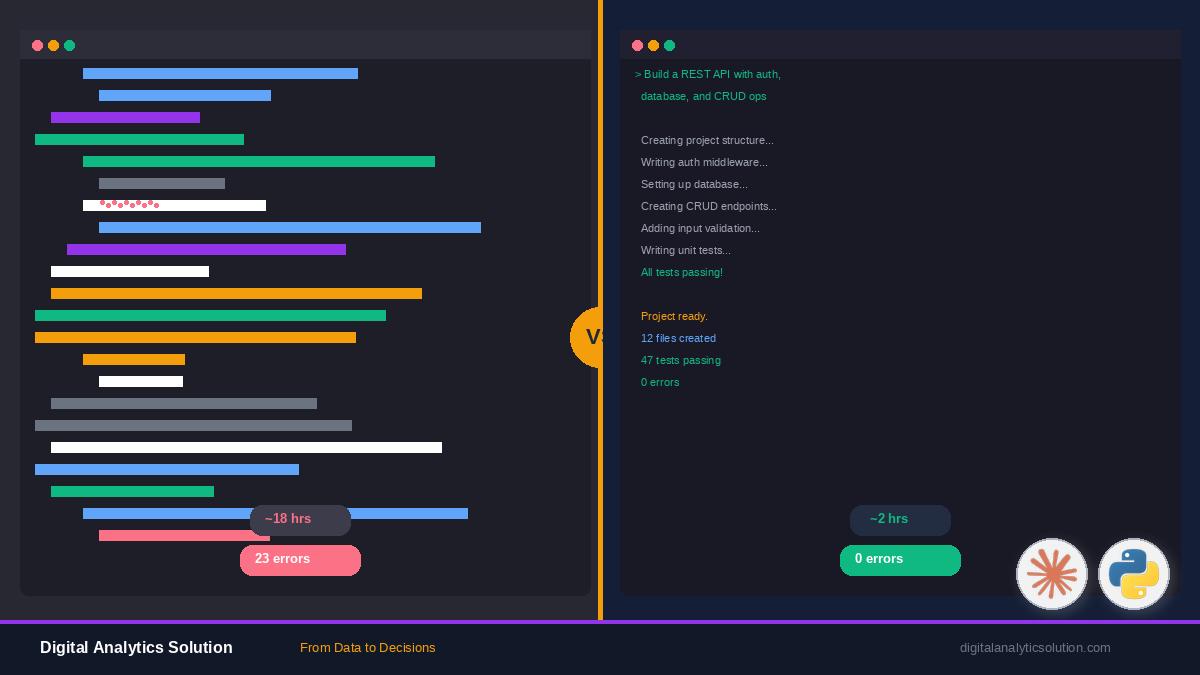
Traditional Coding Approach:
- Research the framework documentation
- Set up the project structure
- Write HTML/CSS/JavaScript
- Debug errors
- Test across browsers
- Iterate and refine
Vibes Coding Approach:
- Open Claude Code
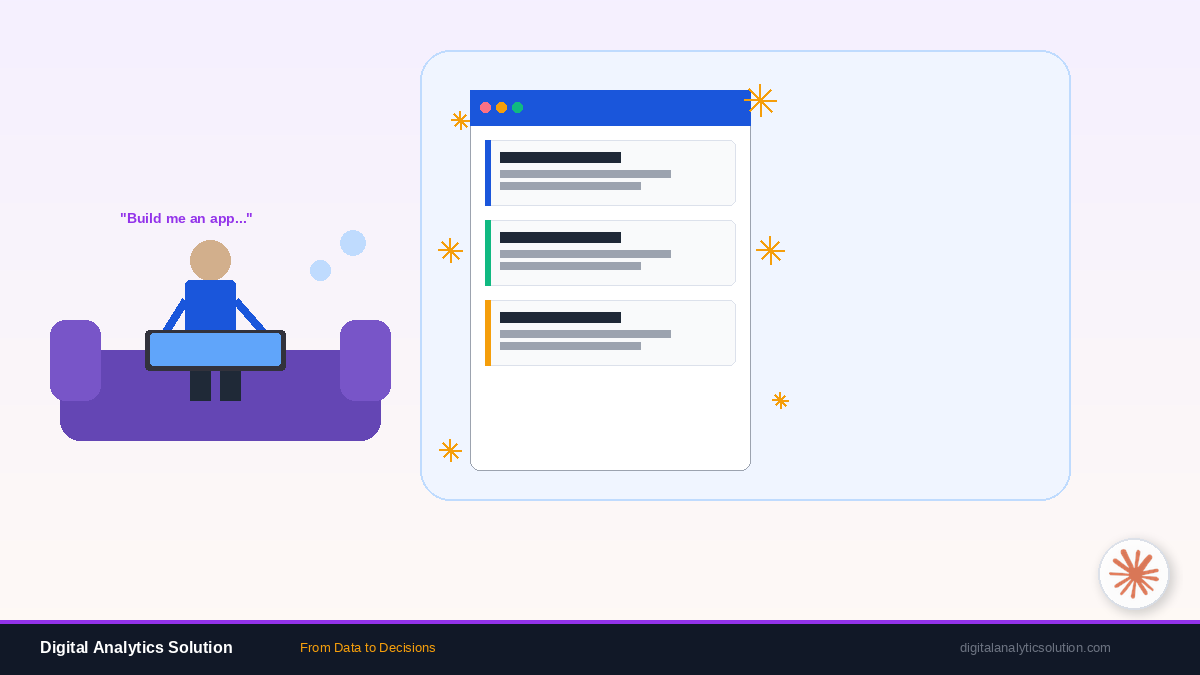
- Say: "Build me a task management app with drag-and-drop, dark mode, and local storage persistence"
- Review the generated app
- Say: "Make the sidebar collapsible and add keyboard shortcuts"
- Deploy
The entire development cycle compresses from days to hours — or even minutes.
Who is Vibes Coding For?
Non-Technical Founders
You have a product idea but can't code. Vibes coding lets you build MVPs and prototypes without hiring a developer or learning to program.
Designers
You can describe UI interactions and visual layouts in natural language, getting functional code that matches your vision without learning CSS grid or flexbox.
Data Analysts
You work with data but aren't a software engineer. Vibes coding lets you build custom analysis tools and dashboards by describing what you need.
Experienced Developers
You want to move faster. Vibes coding handles boilerplate, scaffolding, and repetitive code so you can focus on architecture and business logic.
Automation Engineers
You need to build custom integrations. Combined with tools like n8n, vibes coding lets you create custom nodes and scripts without deep programming knowledge.
The Tools Powering Vibes Coding
Several AI tools have emerged as leaders in the vibes coding movement:
Claude Code
Anthropic's Claude Code is purpose-built for agentic coding. It operates directly in your terminal, reads your project files, writes code, executes it, and iterates — all from natural language prompts. It's particularly strong for data analysis, automation scripts, and full-stack applications.
Cursor
An AI-powered IDE that integrates Claude and other models directly into the coding environment, offering inline suggestions and chat-based development.
Windsurf
Another AI-assisted development environment that focuses on the "flow" of coding with AI, supporting multi-file edits and contextual understanding.
Bolt and Lovable
Browser-based tools that let you generate and deploy full web applications entirely through conversation.
The Vibes Coding Workflow
Effective vibes coding follows a pattern:
1. Describe the Vision
Start with the big picture. What are you building? Who is it for? What should it feel like?
"I want a personal finance tracker that's minimal, uses pastel colors, and shows spending trends over time."
2. Iterate on Structure
Refine the architecture and features through conversation.
"Add a categories system where I can tag expenses. Include a monthly budget feature with alerts when I'm close to the limit."
3. Polish the Details
Fine-tune the user experience.
"Make the charts animated. Add a satisfying micro-interaction when I log a new expense. The mobile layout should prioritize the quick-add button."
4. Test and Deploy
Ask the AI to add tests, fix edge cases, and prepare for deployment.
"Add error handling for invalid inputs, write unit tests for the budget calculation logic, and set up a Vercel deployment config."
Common Misconceptions About Vibes Coding
"It's just no-code with extra steps"
No-code tools limit you to predefined components and templates. Vibes coding generates actual code — you can customize anything, integrate with any API, and build truly unique applications.
"The code quality is terrible"
Modern AI models produce surprisingly clean, well-structured code. And because you can review and iterate, the final output is often better than rushed manual code.
"It will replace developers"
Vibes coding doesn't eliminate the need for engineering judgment. Someone still needs to define requirements, review code, make architectural decisions, and understand trade-offs. It shifts the developer's role from typist to director.
"It only works for simple apps"
People are building production applications, complex data pipelines, and sophisticated automation systems with vibes coding. The ceiling is rising rapidly.
The Future of Vibes Coding
We're still in the early days. As AI models get better at understanding context, maintaining long-term project memory, and reasoning about architecture, vibes coding will become even more powerful.
Expect to see:
- Team-based vibes coding where multiple people direct AI on different parts of a project simultaneously
- Voice-first development where you literally talk your app into existence
- AI pair programming that proactively suggests improvements, catches bugs before they happen, and optimizes performance automatically
Getting Started with Vibes Coding Today
Ready to try vibes coding yourself? Here's the fastest path:
- Install Claude Code — Follow our guide on Vibes Coding with Claude Code for a hands-on tutorial
- Start with a small project — Build a personal tool, a portfolio site, or a simple automation
- Iterate boldly — Don't be afraid to ask for big changes. That's the whole point
- Combine with automation — Use n8n to automate workflows alongside your vibes-coded apps
The barrier to building software has never been lower. The only question is: what will you create?
Ready to put vibes coding into practice? Read our hands-on guide: Vibes Coding with Claude Code: Build Apps Without Writing a Single Line.